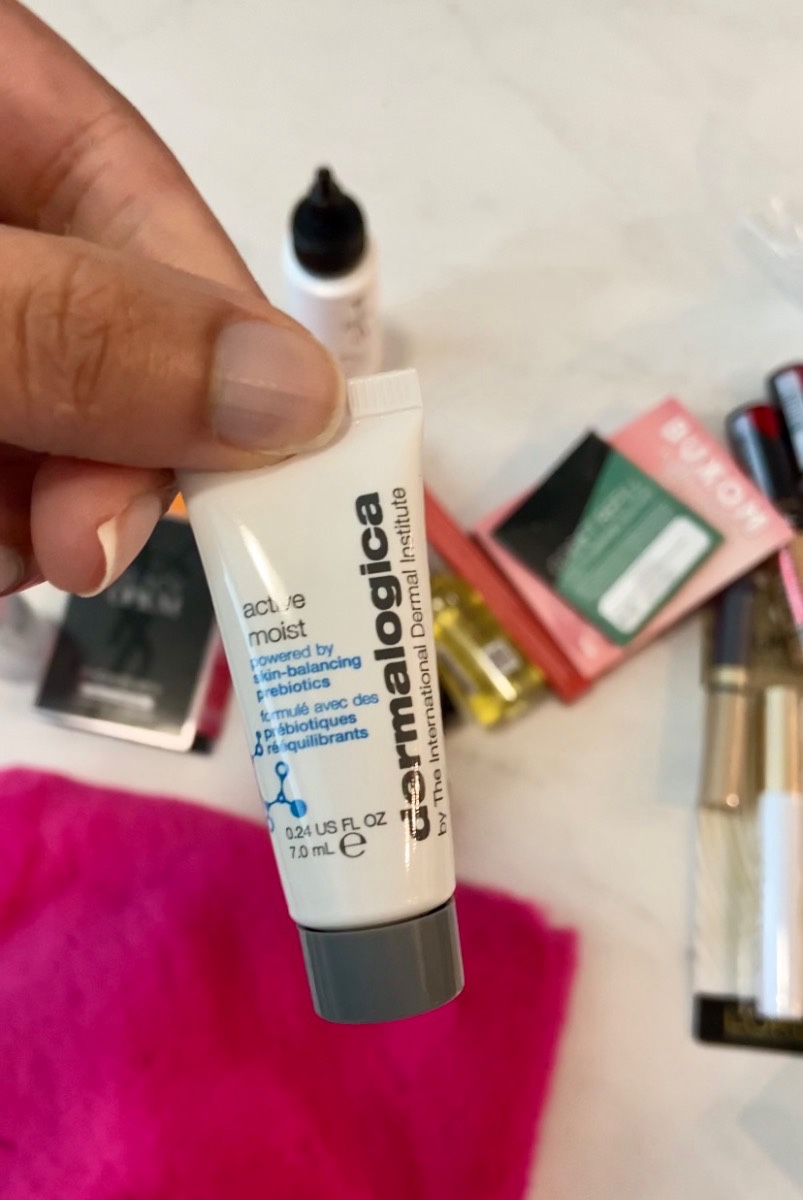


If you’re anything like me, you love trying new beauty products. What if I told you there’s a way to try new products when you shop on the Ulta app? I have done this a couple of times and honestly, I can’t believe I’ve been missing out on these deals for so long. Basically, you need to save your favorite products and check back often to see when there are promotional deals for Buy One, Get One Free or Free Gift with Purchase. Read below for more.
Here’s How to Navigate the app:
- Open the Ulta app and make sure you’re logged into your account. From the home screen, you can scroll and check out other areas of the page.
- Click on Account in the bottom right corner, then click Favorites.
- From here, you can see all of the items you’ve saved, what’s on sale, and which items have a free gift with purchase.
- Monitor which items are running promotional deals such as Buy One, Get One Free or free gift with purchase.
- Always check your inbox and messages to see what other promotions Ulta is running. Go back to your home page, then select Inbox. You’ll see two tabs – Offers & Messages.
- Scroll the offers to see if there’s anything pertaining to what you’re planning to buy. Click Activate for those promotions. Then, click on the Messages tab to see what’s running that week.
- You can also find deals from the home page by scrolling down. You’ll see items like coupons, Today’s Deals and Ulta beauty rewards.
- After you’re done shopping, add the items with the promotional deal (such as Free Gift with Purchase) to your cart. You’ll see the additional items show up at the bottom of your order.
- Then proceed with checking out.
While these sales can be exceptional, please remember that it’s only a deal if you were planning to get it anyway. Don’t overshop and buy things you don’t need!
I also made an Instagram Reel tutorial which you can watch by clicking below or visit my Instagram page @theemeraldglam.
 The Emerald Glam